 SnowWall
Press kit
SnowWall for macOS
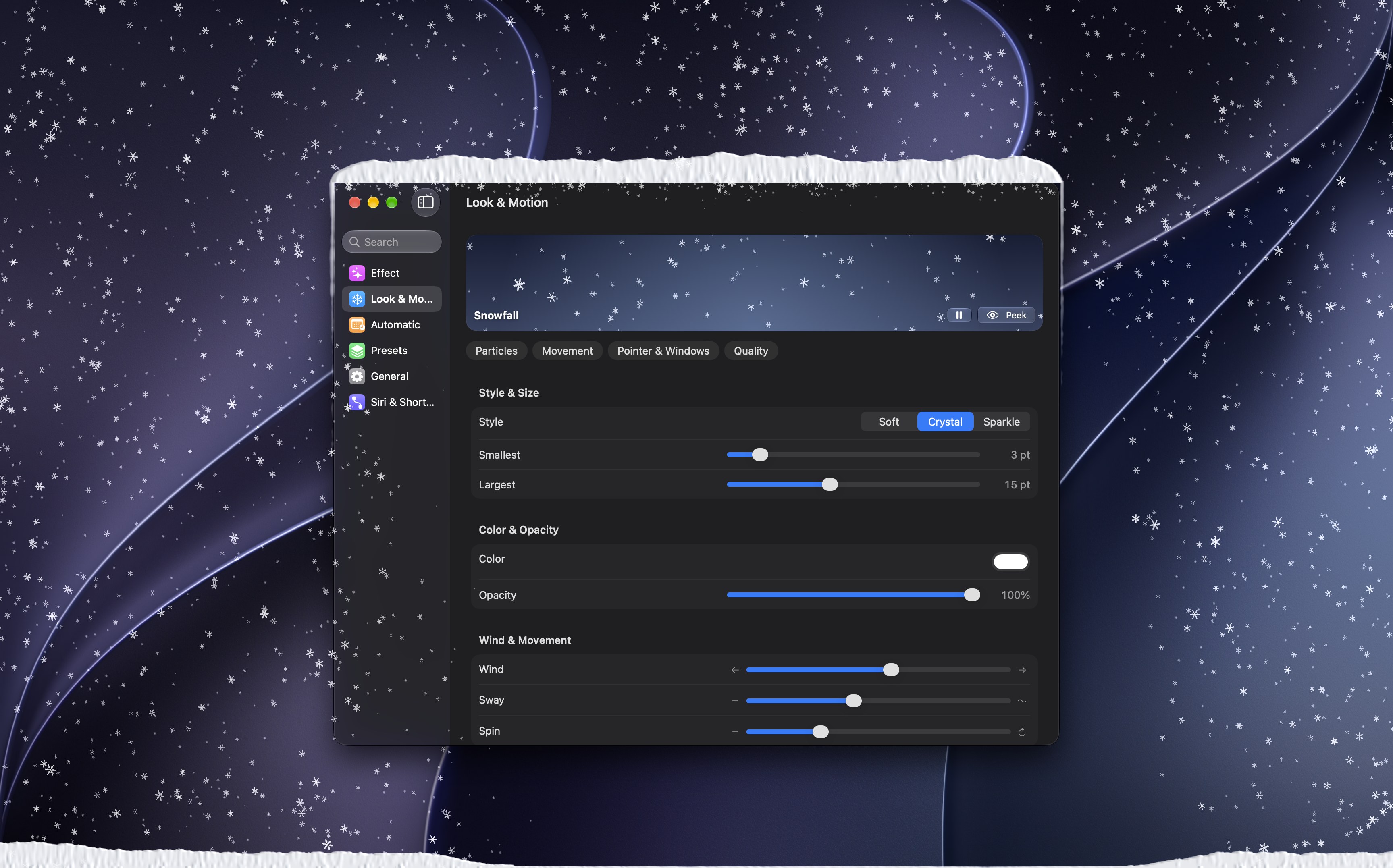
SnowWall is a menu bar app that brings snow, rain and seasonal weather to the Mac desktop. Flakes drift around the pointer, settle on the top edge of the window you are working in and build drifts along the bottom of the screen. For promo codes, interviews or anything else, write to press@snowwall.app.
Fact sheet
- Developer
- Ramiz Kichibekov, independent
- Platform
- macOS 26 or later, Mac App Store
- First released
- October 2026
- Price
- Free. SnowWall Pro is a one-time purchase of $14.99 in the US, with Family Sharing. No subscription, no ads.
- Languages
- 16, including right-to-left Arabic
- Privacy
- Collects no data. No accounts and no analytics; the network is used only for the App Store purchase.
- Links
- Mac App Store · snowwall.app
In one sentence
SnowWall is a menu bar app that draws snow, rain and seasonal weather across the Mac desktop, with flakes that drift around the pointer and settle on the window you are using.
In a paragraph
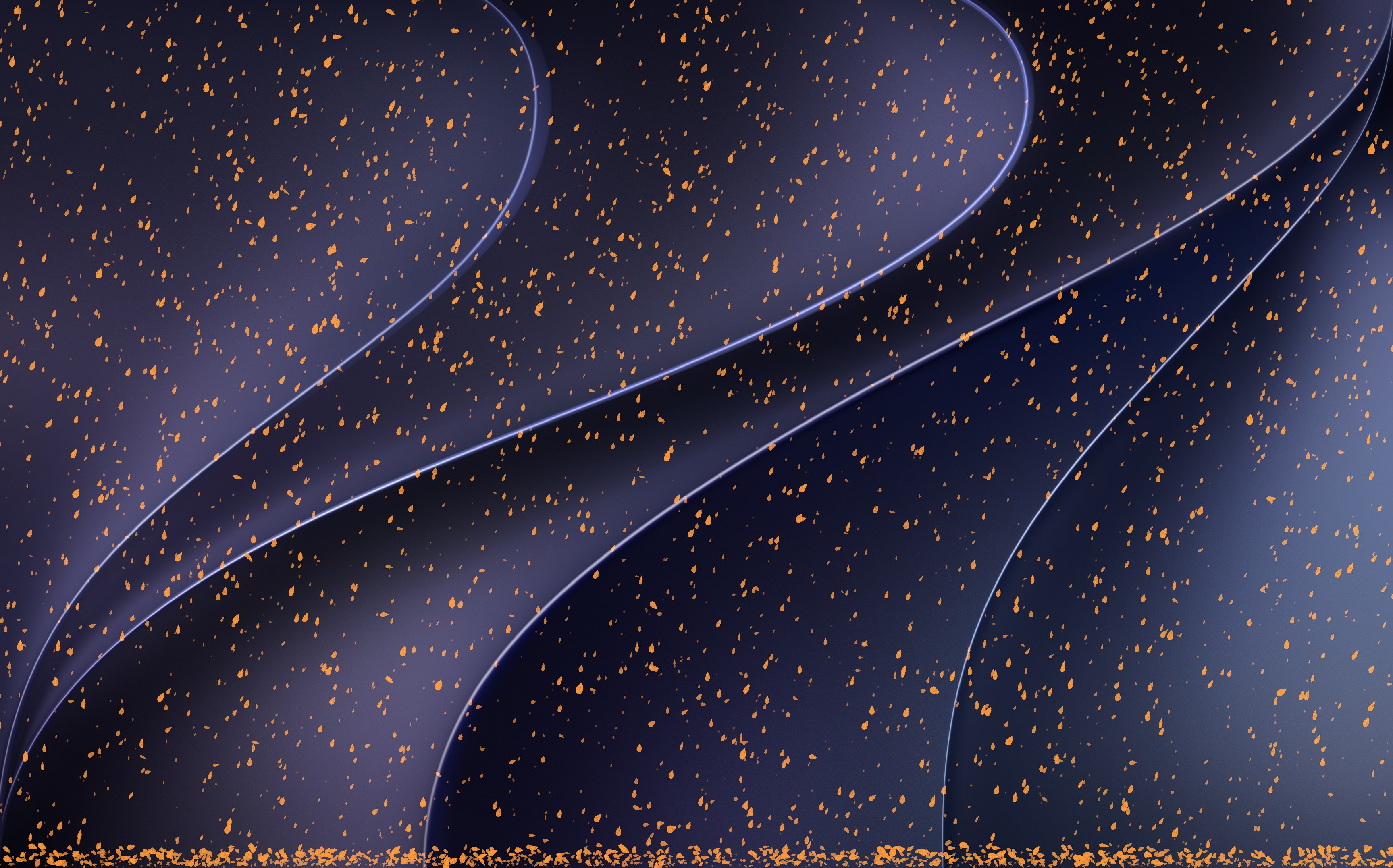
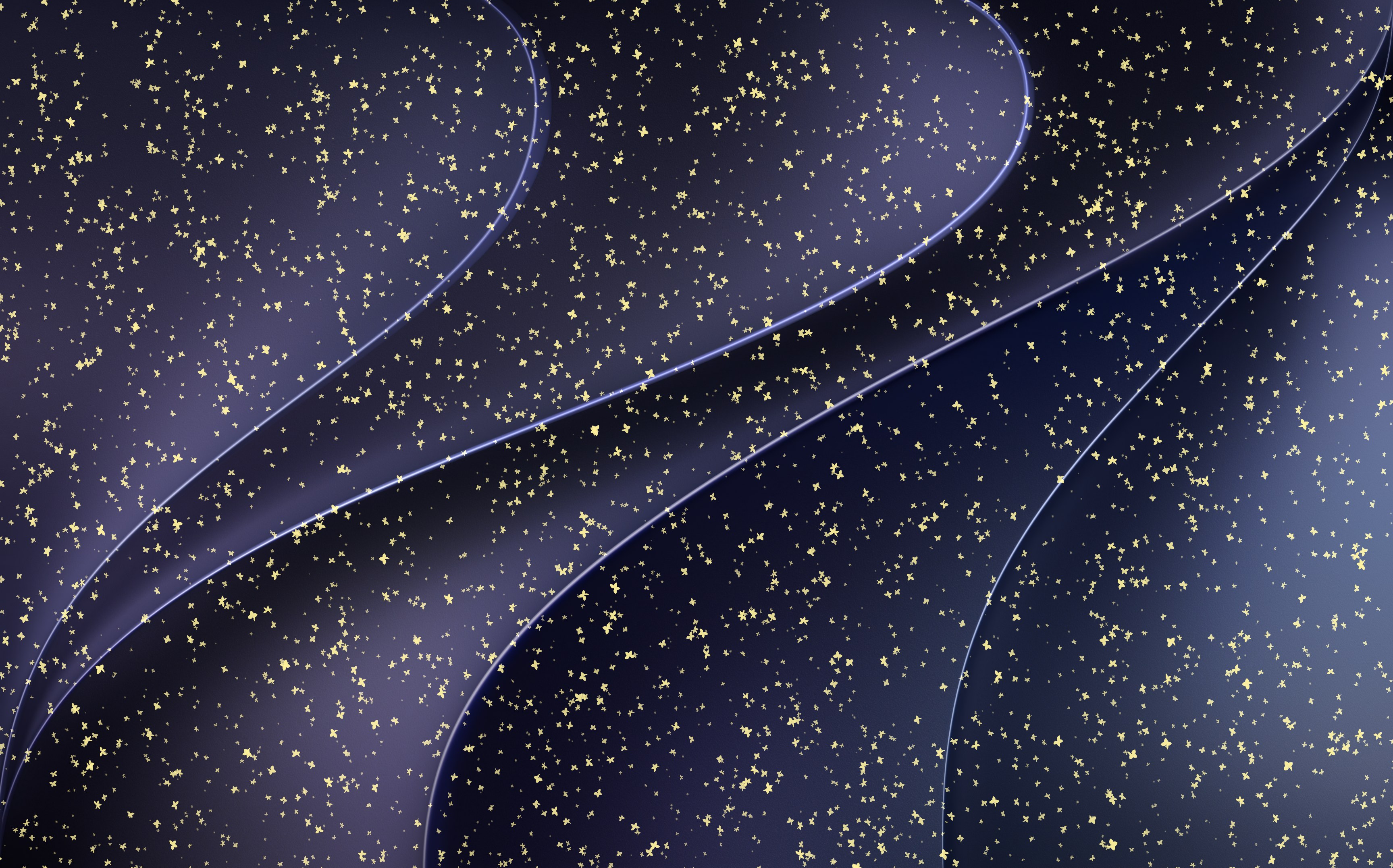
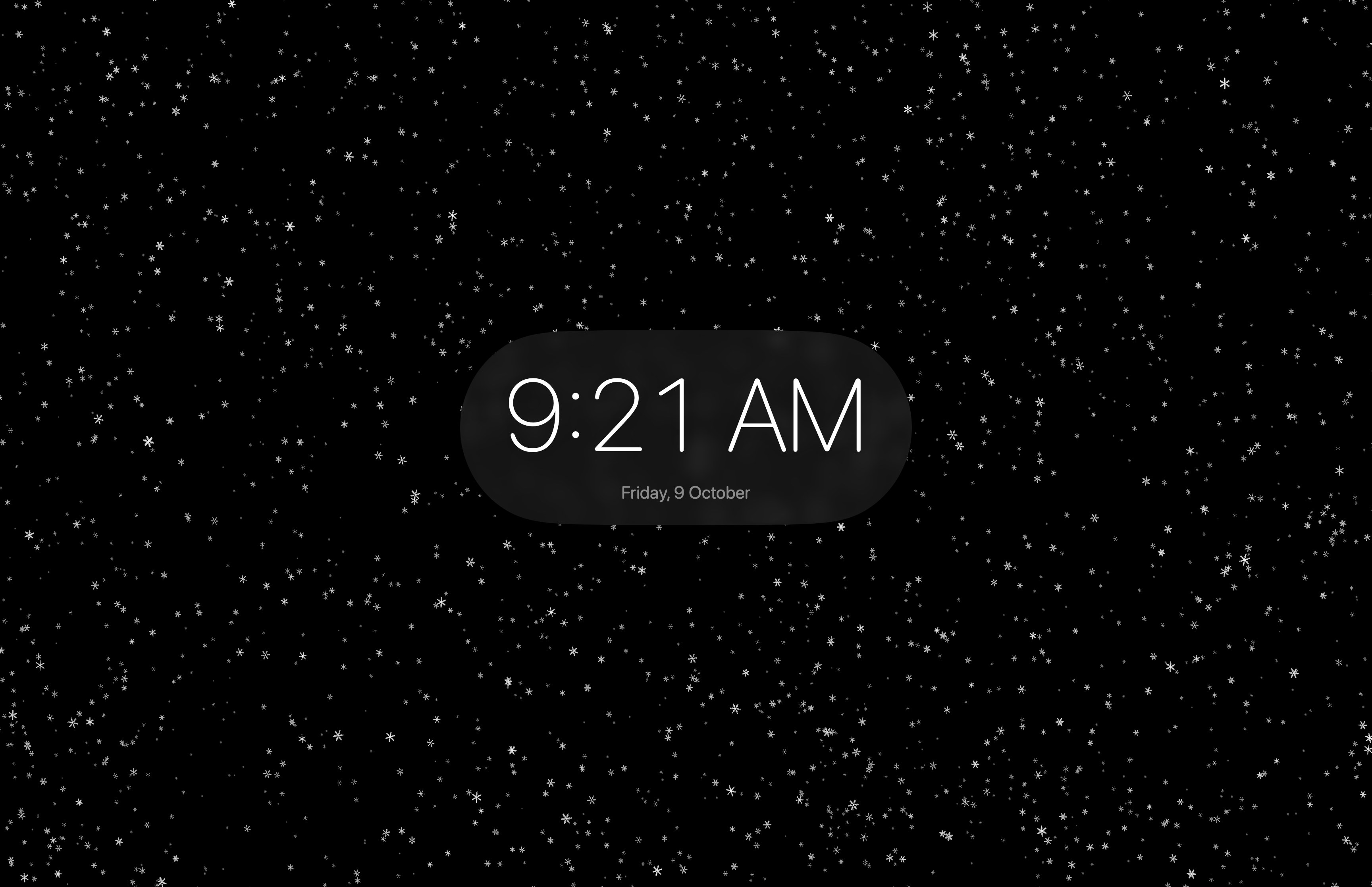
SnowWall turns the Mac desktop into a window on the weather. Snow falls over or behind your windows, gathers on the top edge of the one you are using and piles into drifts along the bottom of the screen; when you move that window, the snow on it falls off. Rain on Glass fogs the screen and sends drops running down it. Cherry blossom, autumn leaves, a starry sky and Christmas follow the calendar, and Ambient Mode fills the screen with the effect and a clock when you step away. Snowfall and Rain are free and fully adjustable; SnowWall Pro unlocks the other effects, Ambient Mode and the Ultra quality tier with one purchase.
What makes it different
- Snow that behaves like snow. Up to 10,000 particles, simulated and drawn in Metal, that react to the pointer and land on the window you are using.
- Knows where windows are, never what is in them. SnowWall reads window positions only. It asks for no permissions and never reads the screen.
- Easy on the battery. It pauses when the display sleeps, the screen locks or Reduce Motion is on, and drops to 30 frames a second in Low Power Mode.
- Made for the Mac. A snowflake in the menu bar, no Dock icon, Shortcuts and a Focus filter, and settings built from standard macOS controls.
New in 1.1, the holiday update
- Christmas is free for everyone all December.
- Try any Pro effect for 45 seconds before you buy.
- Effects change like the weather: the old one thins out as it falls and the new one drifts in.
- Pause from Control Center, the menu bar or a desktop widget; find effects and presets in Spotlight; set global keyboard shortcuts.
- On Macs with Apple Intelligence, describe a mood and get a preset, made on the device.
- Hearts for Valentine’s Day and a week of confetti for Lunar New Year.
- On XDR displays, Bloom glows brighter than white.
Video
The App Store preview: 28 seconds, 1920 by 1080, English captions. Snow settling on a window, the window moving away from under its drift, four effects and Ambient Mode. Rendered by the app itself, so free of anyone's desktop. The same cut without captions is below; versions captioned in the other 15 languages are available on request.
Download the preview (MP4, 17 MB) Without captions (720p, 5 MB)
Screenshots
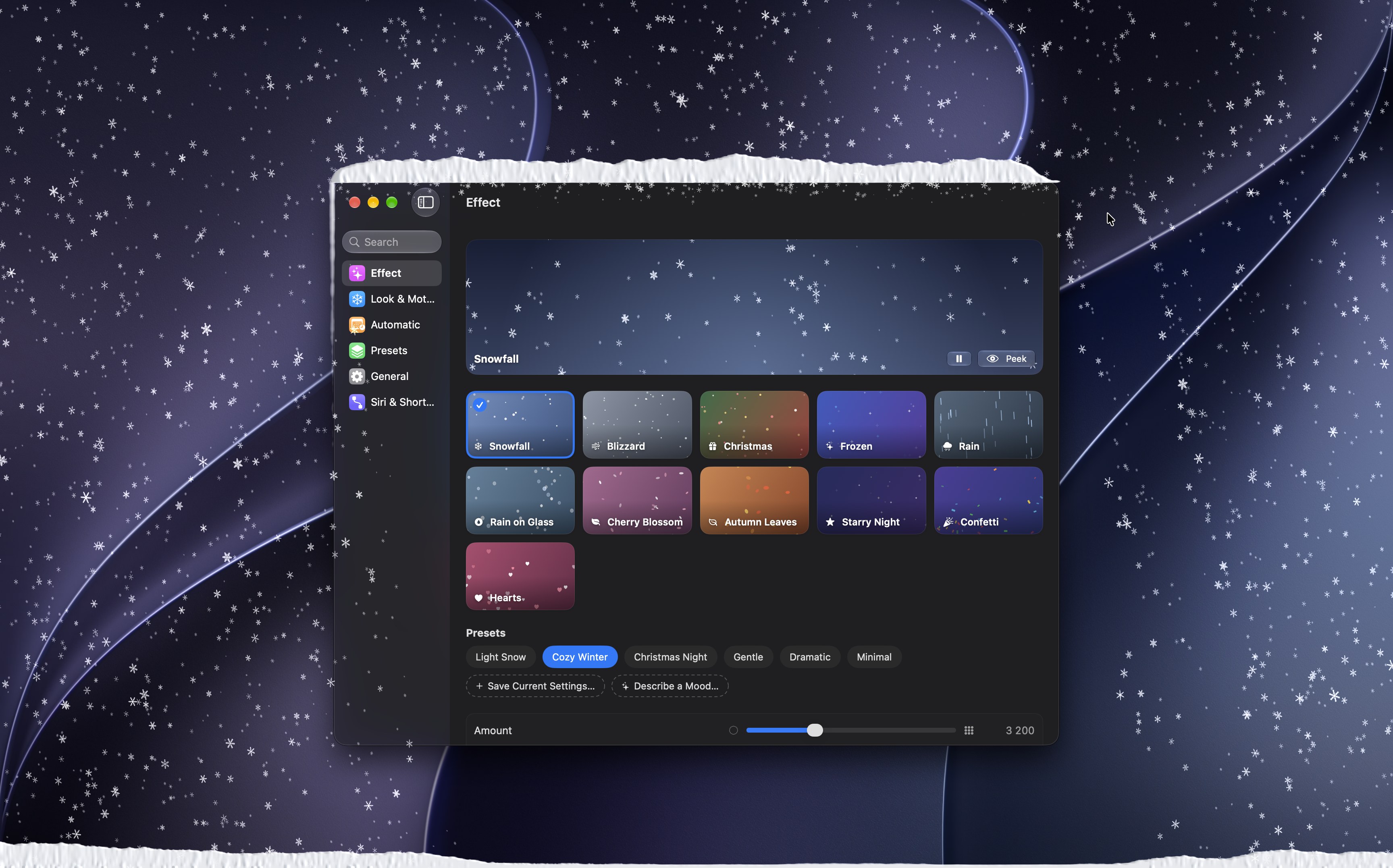
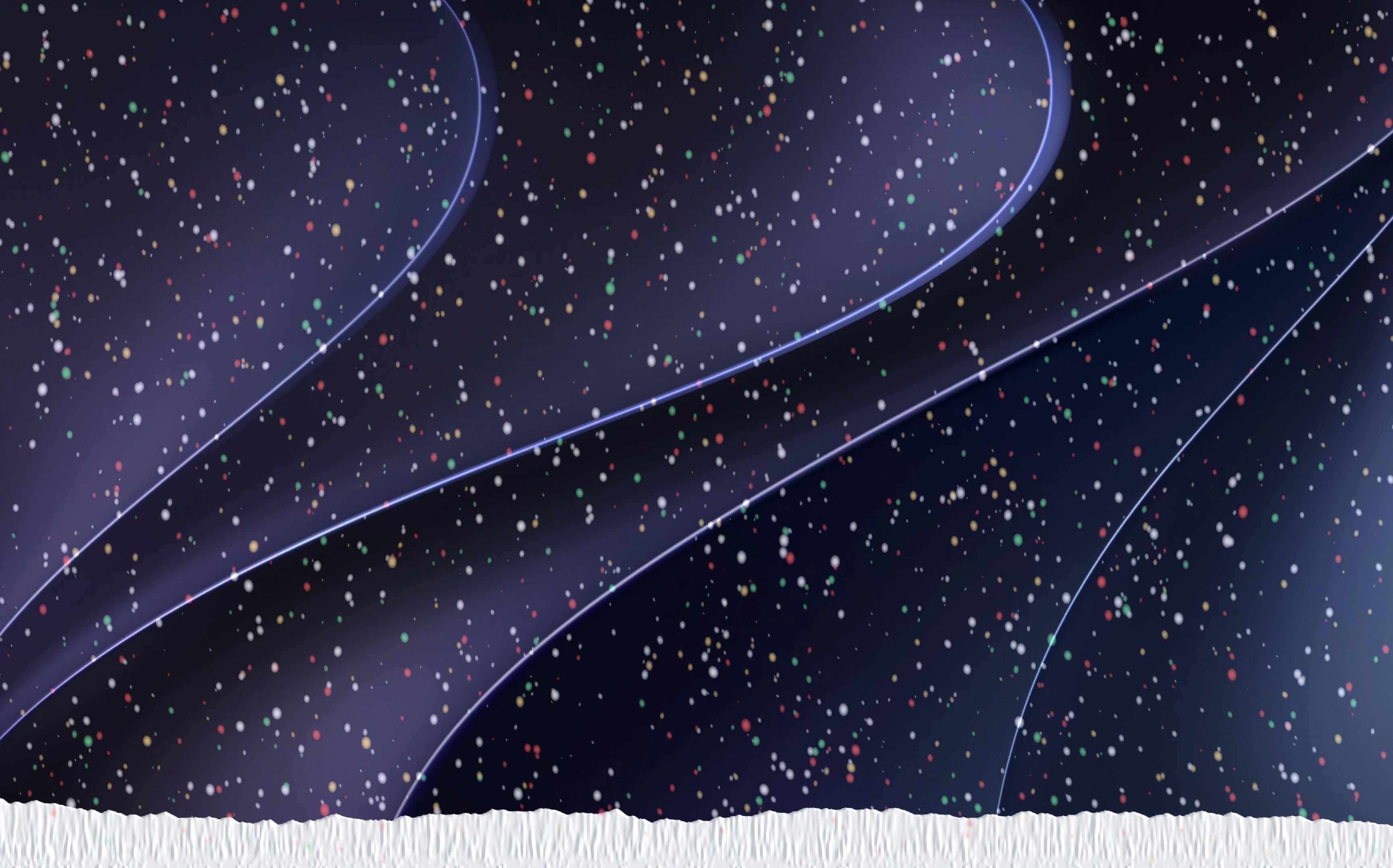
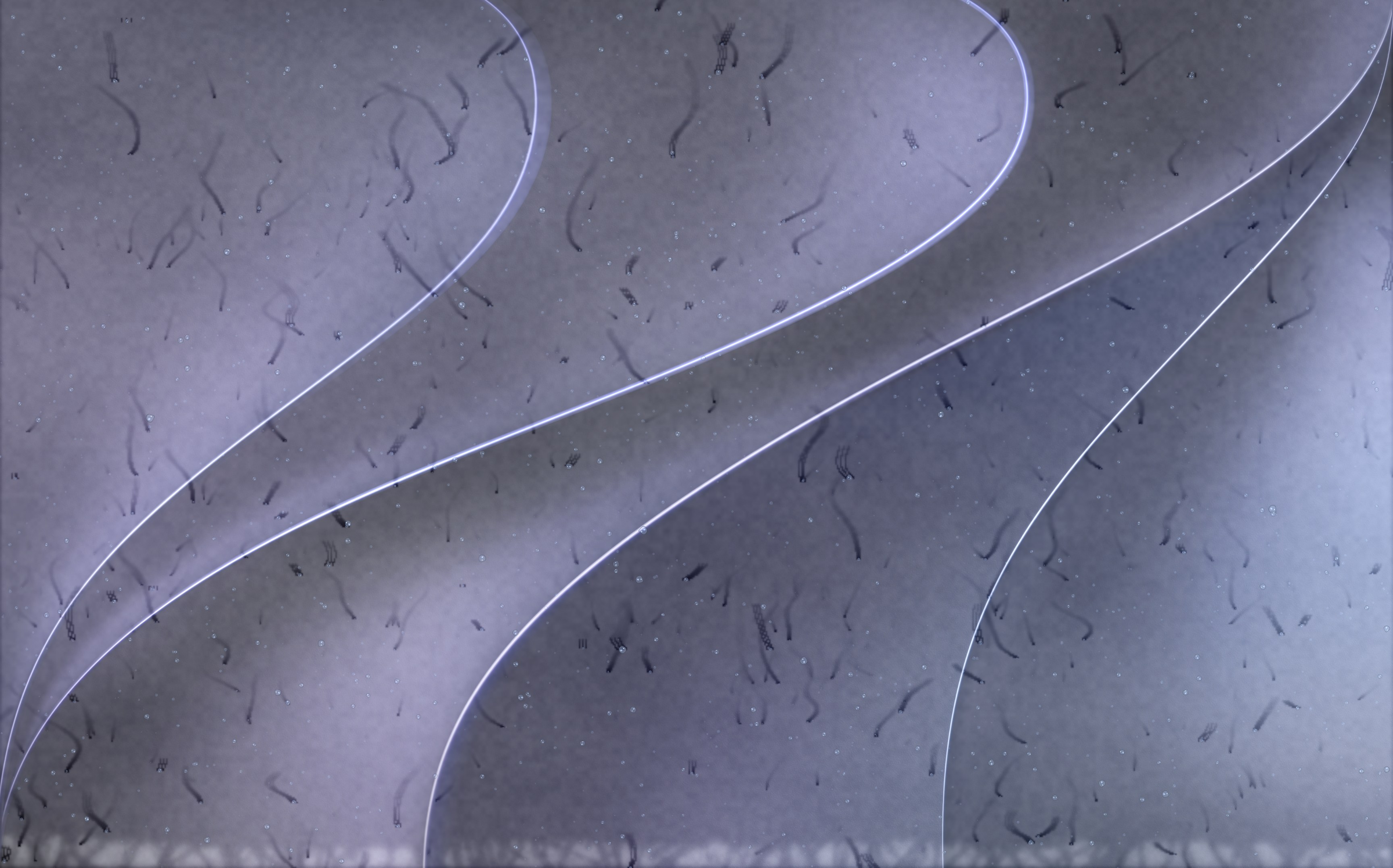
Full-resolution captures from a 16-inch MacBook Pro, free to use in coverage of SnowWall. Click a picture for the original.


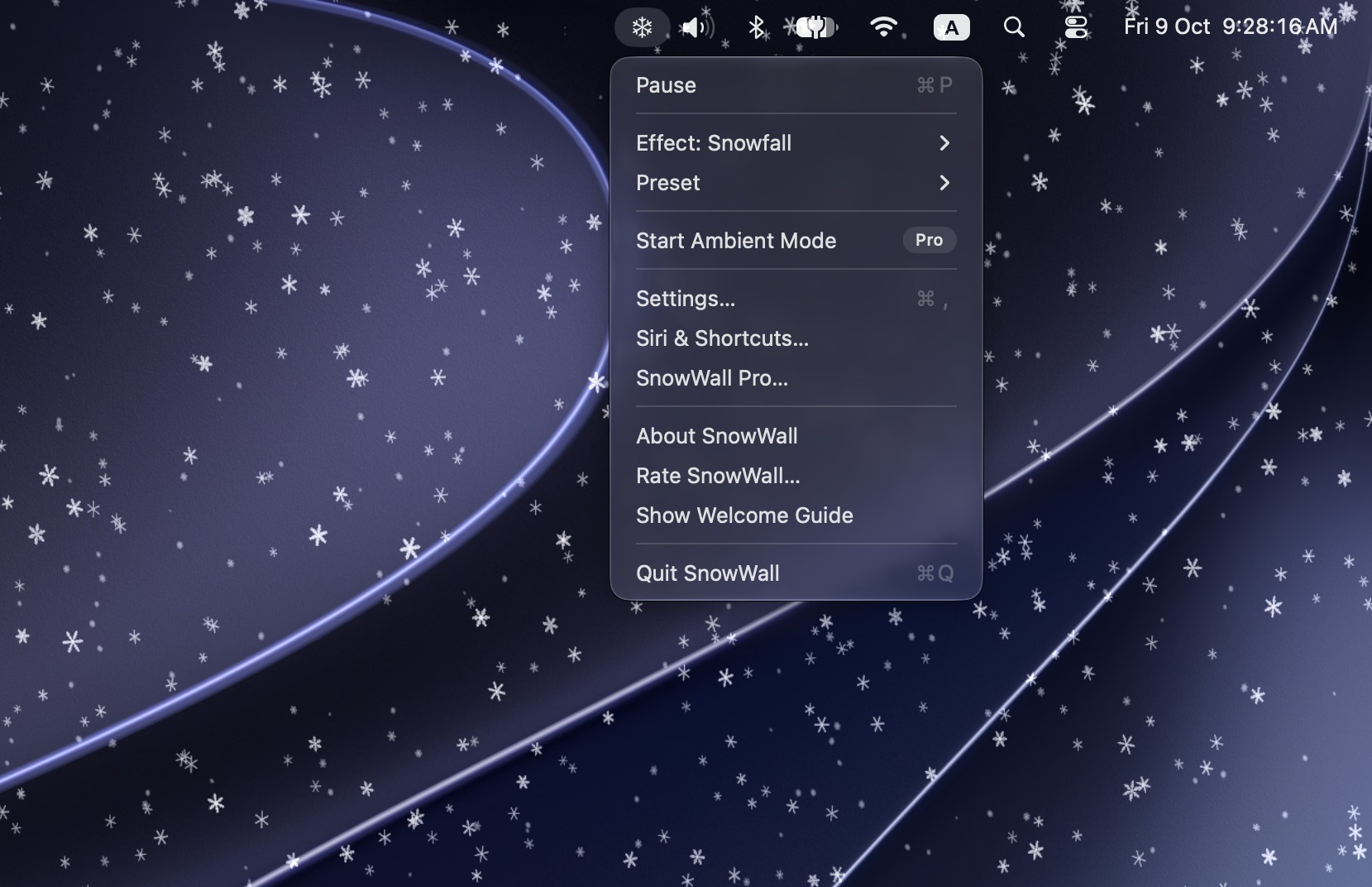
App icon
 Light, 1024 px PNG
 Dark, 1024 px PNG
Contact
Ramiz Kichibekov, press@snowwall.app. Promo codes for SnowWall Pro are available for reviews, giveaways and videos. Replies in English or Russian.
Mac, macOS and Mac App Store are trademarks of Apple Inc.